Wednesday, September 19, 2018

CHAPTER 4: PROGRAMS AND APPS

INTRODUCTION:


OPERATING SYSTEM:
What is operating system?
-Set of programs that coordinates all the activities among computers or mobile device hardware.
-example: Windows


PRODUCTIVITY APPLICATIONS

With productivity applications, users can,

Word processing software
-allows users to create and manipulate documents

Clip art
-collection of drawings, photos and other images

Spreadsheet software
-allows users to organize data in rows and columns and perform calculations

Database software
-allows users to create, access and manage a database


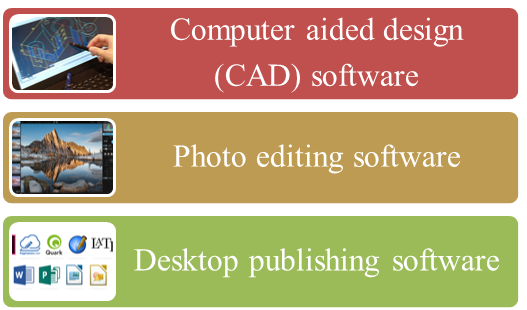
GRAPHICS AND MEDIA SOFTWARE

Examples:


COMMUNICATIONS APPLICATIONS
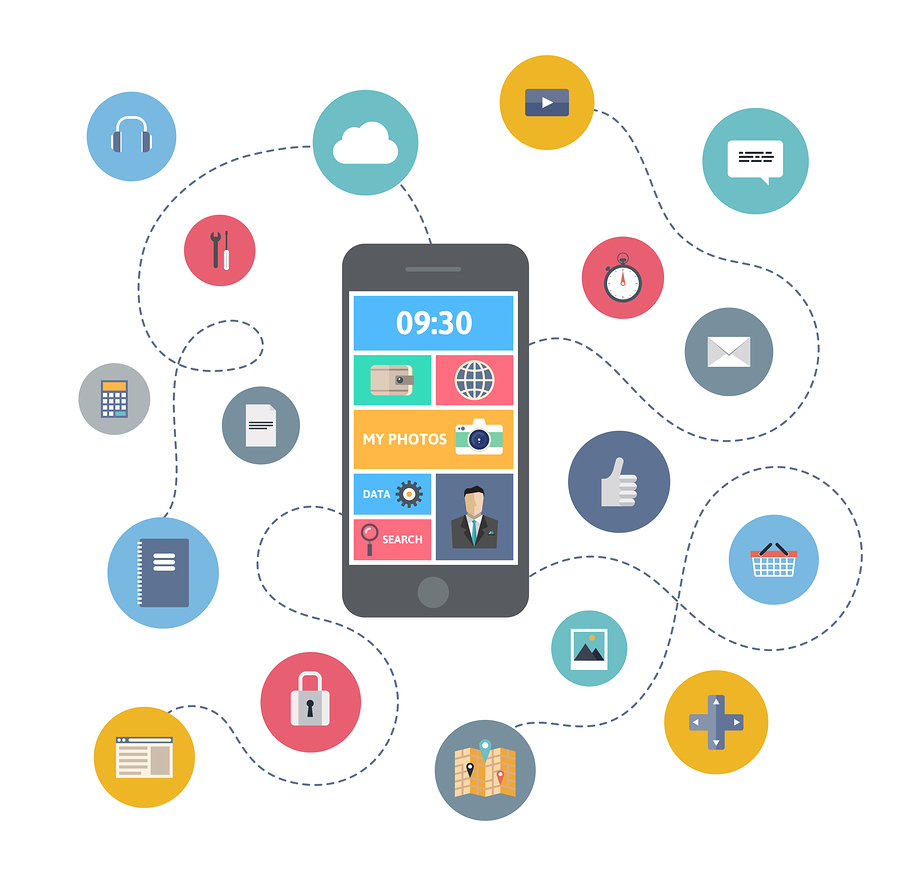
Example:
-Blogging
-Browsing
-Chat room
-Discussion forum

SECURITY TOOLS

✔ Personal firewall
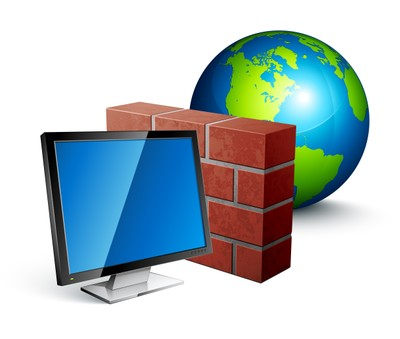
-security tool that detects and protects a personal computer and its data from unauthorized instrusions

✔ Antivirus program

-protects computer against virus and malware
-remove any virus found in memory

Spyware and Adware


FILE AND DISK MANAGEMENT TOOLS

File manager
-tool that performs functions related to file management

Search tool
-program included with operating system.
-it attempts to locate file in computer or mobile device based on criteria that specify

Disk cleanup tool
-searches for and removes unnecessary files

CONCLUSION:
There are many useful program and apps available for the computer and mobile devices. It features variety of applications. Hence we should use it wisely especially in security tools.

CHAPTER 3: COMPUTERS AND MOBILE DEVICES

INTRODUCTION:

COMPUTERS AND MOBILE DEVICES

DESKTOP AND MOBILE DEVICES

Personal computer
-a computer designed for use by one person at a time

Desktop
-a personal computer designed to be in a stationary location, where all of its components fit on or under a desk or table.

Laptop
-a thin, lightweight mobile computer with a screen on its lid and a keyboard in its base.

SERVERS
Server
-a computer dedicated to providing one or more services to other computers or devices on a network.

Example:
-Rack Server
-Blade server
-Tower server

SUPERCOMPUTERS

Supercomputer
-the fastest, most powerful, most expensive computer

TERMINALS


ATM
-a self-service banking terminal that connects to a host computer through a network

CLOUD COMPUTING


MOBILE DEVICES

Smartphone
-a mobile phone that performs many of the functions of a computer, typically having a touchscreen interface, Internet access, and an operating system capable of running downloaded apps.

Digital camera
-mobile device that allows users to take photos and store the photographed images digitally


GAME DEVICES

Game console
-a mobile computing device designed for a single-player or multiplayer video game
Examples: Gamepad, Joystick and Dance pad

EMBEDDED COMPUTERS

Embedded computers
-a special purpose computer that functions as a component in a larger product
-examples: consumer electronics, automobiles and home automation devices.

PORTS AND CONNECTIONS


PROTECTING HARDWARE

How to protect hardware?
-cables
-cables can lock computers and help prevent theft of equipment

Reasons hardware can fail
-aging hardware
-electrical power problems
-undervoltage

Surge protector
-provide a stable current flow

HEALTH CONCERNS USING TECHNOLOGY

Repetitive strain injury (RSI)
-injury or disorder of muscles,nerves, tendons, ligaments and joints.

Computer vision syndrome (CVS)
-technology related health condition that affects eyesight.

CONCLUSION:
It is important for us to know the characteristics of purchasing guidelines for desktops, laptops, tablets and digital cameras so that we can use it efficiently in future. We must also know ways to protect hardware and health concerns of using technology plus the preventive measures for a better use.

Tuesday, September 18, 2018

CHAPTER 2:THE INTERNET

INTRODUCTION:


EVOLUTION OF THE INTERNET


CONNECTING THE INTERNET

Wired
-computer or device physically attaches via a cable or wire to a communication device
Example:
-Cable Internet Service

Wireless
-Computers without a communication device can use a wireless modem
Example:
-WI-FI (wireless fidelity)

IP Address- numerical label assigned to each device connected to a computer network that uses the Internet Protocol for communication.

THE WORLD WIDE WEB


TYPES OF WEBSITES

What is search engine?
-a software
-finds websites, images, videos and other information related to a specific topic.

MEDIA ON THE WEB

Multimedia- content that uses a combination of different content forms such as text, audio, images, animations, video and interactive content.

Graphic
- digital representation of non-text information
-examples: GIF and JPEG

OTHER INTERNET SERVICES

Email- transmission of messages and files via a computer network

Instant messaging (IM)- real-time Internet communication service

Chat- real-time typed conversation that takes place on a computer or mobile device

NETIQUETTE
-code of acceptable Internet behavior

CONCLUSION:
The evolution of Internet in 1969 and thus creates the web which as benefits us, the human beings very much.Thus when various websites were created,other services were available on Internet such as email which widely used in business and administration throughout the world. Not only that, when using the Internet must must have a good behavior so that everyone can have a pleasant and better online communication.

CHAPTER 1: DIGITAL LITERACY

INTRODUCTION:

COMPUTER:
What is a computer?
☺an electronic device, operating under the control of instructions stored in its own memory.

How does it work?

MOBILE GAMES AND DEVICES
Example:
-smartphone
-digital camera
-game console

DATA AND INFORMATION


THE INTERNET:

What is a browser?
-a software
-application used to access and view websites

What is a search engine?
-a software
-allows internet users to search for content via the World Wide Web (WWW).

DIGITAL SAFETY AND SECURITY
Users should protect their computers and mobile devices:
-viruses and other malware
-privacy
-health concerns
-environmental issues

PROGRAMS AND APPS

What is a software?
-a program, tells the computer what task to perform and how to perform them

Software developer?
-someone who develops programs and apps

COMMUNICATION AND NETWORKS

What is a network?
-collection of computers and devices connected together via communications devices and transmission media.

USES OF TECHNOLOGY IN SOCIETY
-Finance
-Travel
-Science

CONCLUSION:
We need to know the basic concepts of computer. Plus, to know the importance of digital security and safety risks and precautions which will help us in our life. Hence, to apply the uses of technology for a better future.

Friday, August 10, 2018

CHAPTER 7: INPUT AND OUTPUT

INTRODUCTION:

INPUT AND THE METHOD THAT ARE COMMONLY USED:


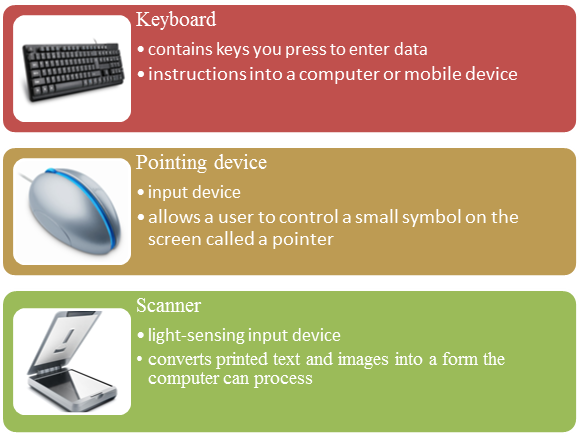
KEYBOARD:


Ergonomic keyboard:
-has a design that reduces the chance of repetitive strain injuries
-incorporates comfort, efficiency, and safety into the design of the workplace

POINTING DEVICES:


PEN INPUT:
-a stylus (or stylus pen)
-small pen-shaped instrument that is used to input commands to a computer screen, mobile device or graphics tablet.
-with touchscreen devices, a user places a stylus on the surface of the screen to draw or make selections by tapping the stylus on the screen.

MOTION INPUT:
-sometimes called gesture recognition
-users can guide on-screen elements using air gestures

VOICE INPUT:
-the process of entering input by speaking into a microphone

AUDIO INPUT:
-the process of entering any sound into the computer such as speech, music, and sound effects

VIDEO INPUT:
-the process of capturing full-motion images and storing them on a computer or mobile device’s storage medium

WEBCAM USES:
-Capture video and still images
-Send email messages with video attachments
-Make video call

SCANNERS AND READING DEVICES:


QR CODE:-stores information in both a vertical and horizontal direction

Example:

OUTPUT:
-data that has been processed into a useful form

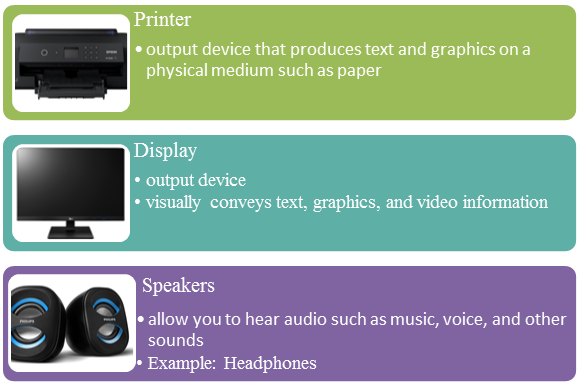
DISPLAYS:
-visually conveys text, graphics, and video information

PRINTER:


TYPE OF PRINTER
USES
INK- JET PRINTERS
forms characters and graphics by spraying tiny drops of liquid ink onto a piece of paper
PHOTO PRINTERS
-high speed
-black and white
-colour
LABEL PRINTERS
small printer that prints on an adhesive-type material that can be placed on a variety of items
ALL-IN-ONE PRINTERS
single device that prints, scans, copies, and in some cases, faxes
THERMAL PRINTERS
generates images by pushing electrically heated pins against the heat-sensitive paper
MOBILE PRINTERS
small, lightweight, battery-powered printer that allows a mobile user to print from a mobile device
IMPACT PRINTERS
form characters and graphics on a piece of paper by striking a mechanism against an inked ribbon that physically contacts the paper

OTHER OUTPUT DEVICES:


ASSISTIVE TECHNOLOGY INPUT AND OUTPUT:

-Braille input
-Braille printer

CONCLUSION:
There are many variety of options for input and output. There are also many importance for it, without them, a computer would either has to be imbedded in your body or serve as a door stop. Input devices allow your computer to receive instructions and create something, output devices confirm those actions and enjoy/use your creations.


PENYUNTINGAN GAMBAR, AUDIO DAN VIDEO (GIMP)

PENGENALAN: Perisian GIMP atau dikenali juga sebagai GNU Image Manipulation Program merupakan salah satu perisian sumber terbuka yang dibe...